PDF tools
Merge, split, reorder, rotate, protect, unlock, crop pages, remove pages and add page numbers.
DocuEase
by Helixfjord, part of HelixFjord
Convert, scan, edit, enhance and organize PDFs, images, Word files and table documents from one modern Android app. Everything is designed around simple flows, local processing and clear results.
Your files are processed on your device for everyday conversions and edits.
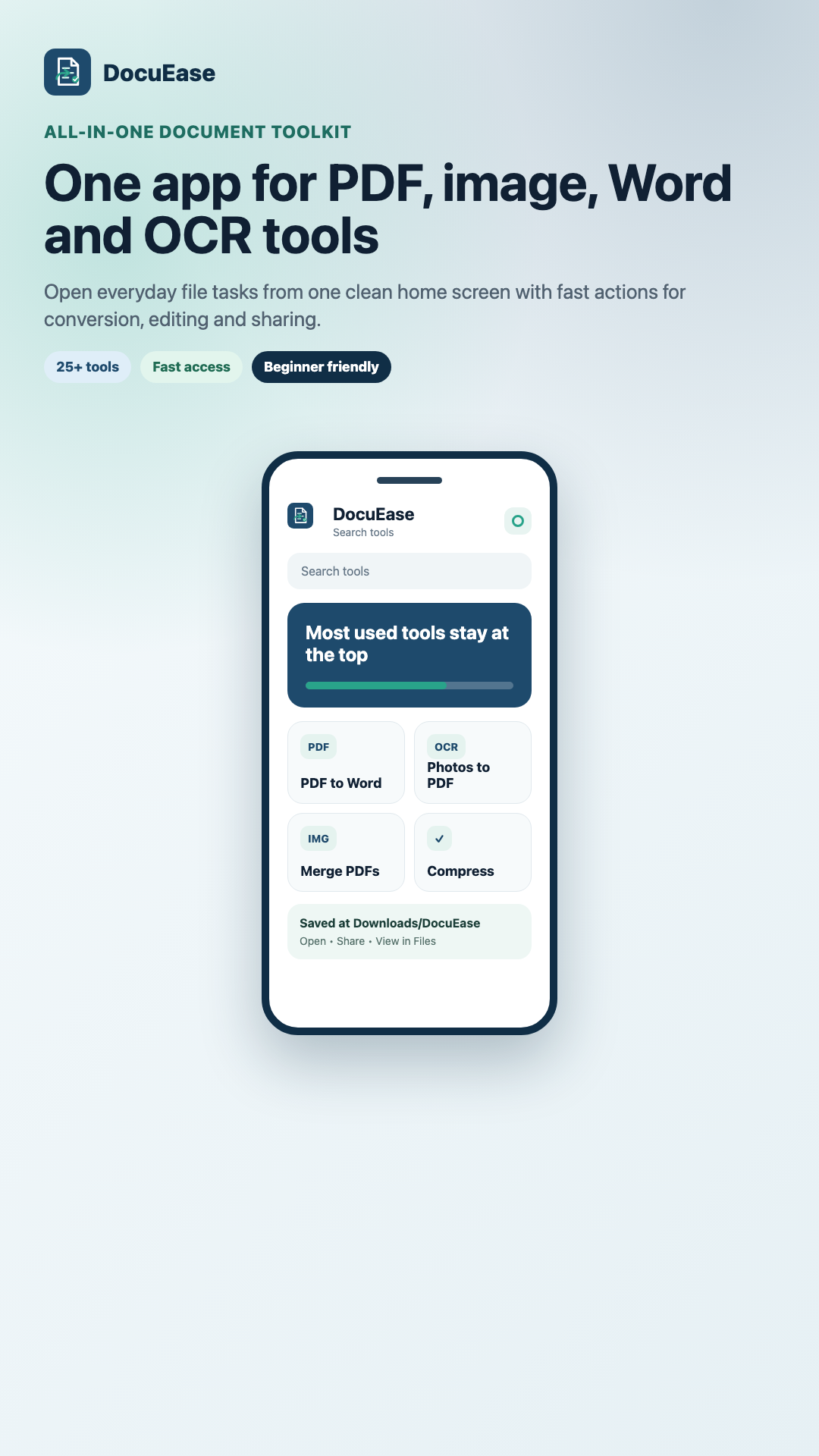
Quick access tiles, clear actions and recent activity without complicated menus.
DocuEase brings together file conversion, PDF cleanup, OCR, photo enhancement, background processing and recent activity in one place.
Merge, split, reorder, rotate, protect, unlock, crop pages, remove pages and add page numbers.
Run PDF OCR and image OCR with multi-language support and export results for editing.
Convert between PDF, images, Word, CSV, XLSX and common document formats without extra apps.
Enhance, watermark, compress, resize, rotate, flip and change image formats with live preview controls.
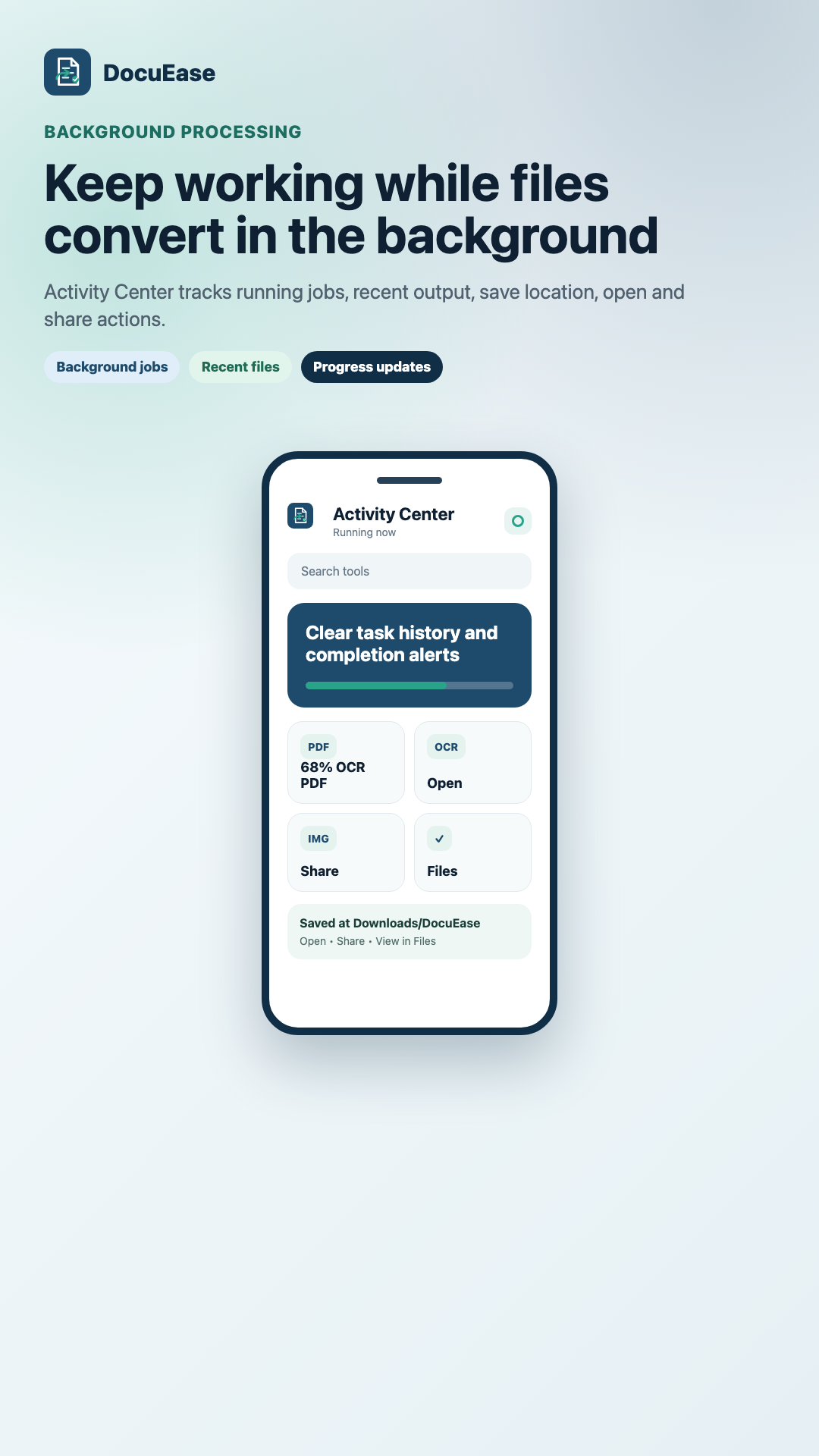
Large jobs can continue in the background with progress updates and a dedicated Activity Center.
Routine processing stays on the device, with local recent history and saved outputs kept under your control.
Whether someone needs a quick conversion, scanned text extraction, photo cleanup or a safer way to manage PDFs, DocuEase keeps the steps short and understandable.
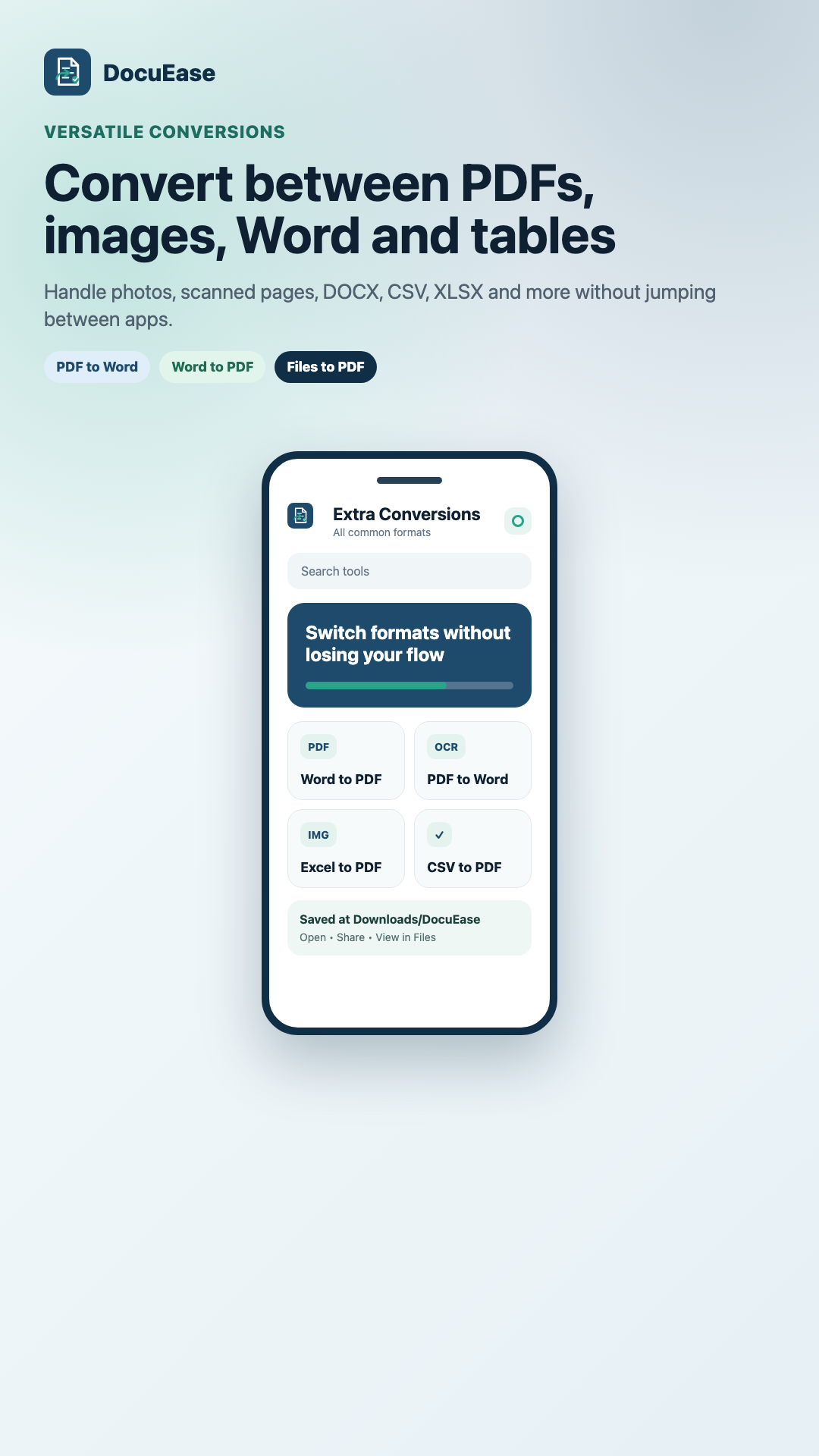
PDF to Word, Word to PDF, image to PDF, files to PDF and table format support in one toolkit.
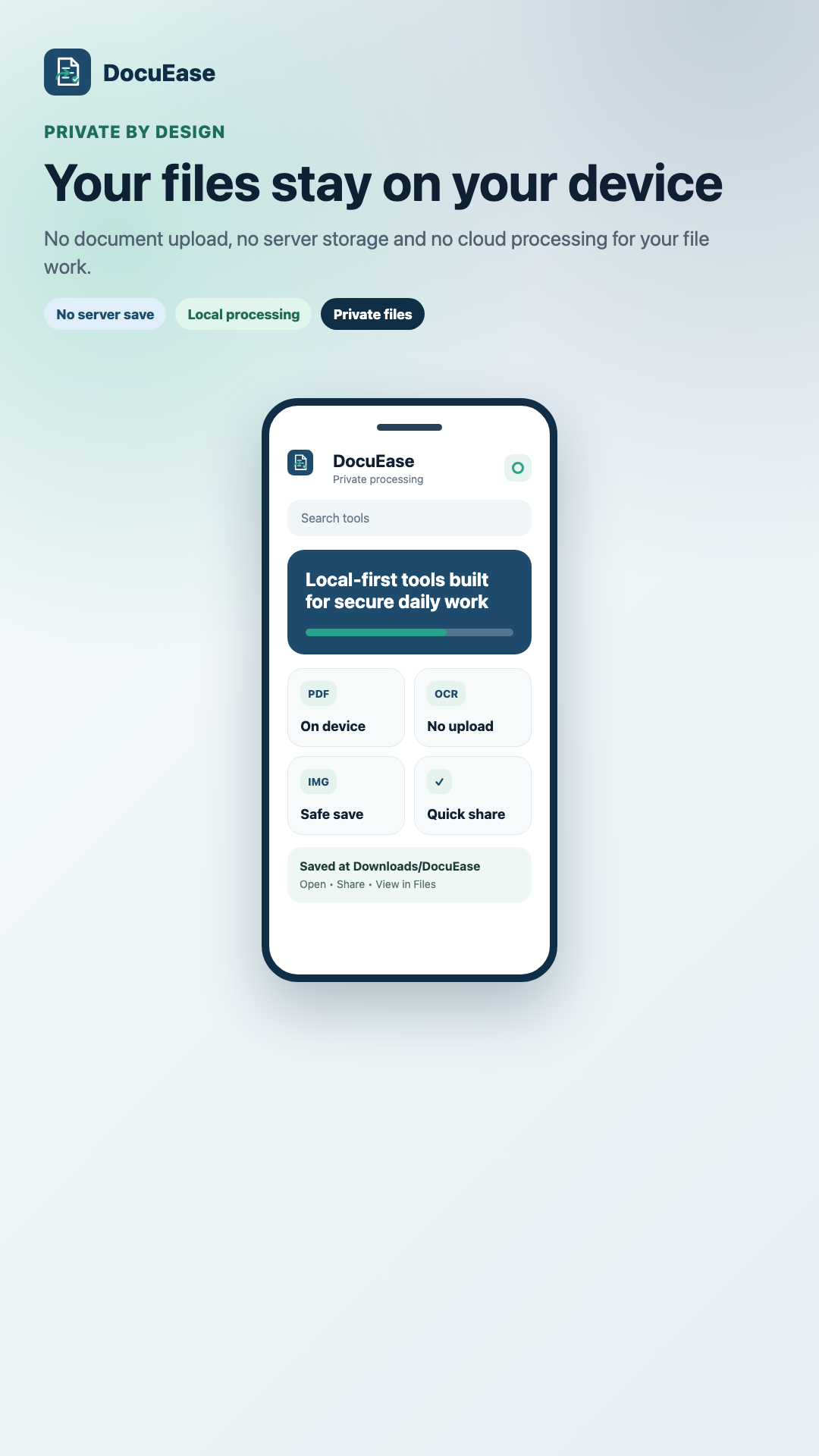
No routine server upload for your conversions, OCR runs, edits or saved document output.
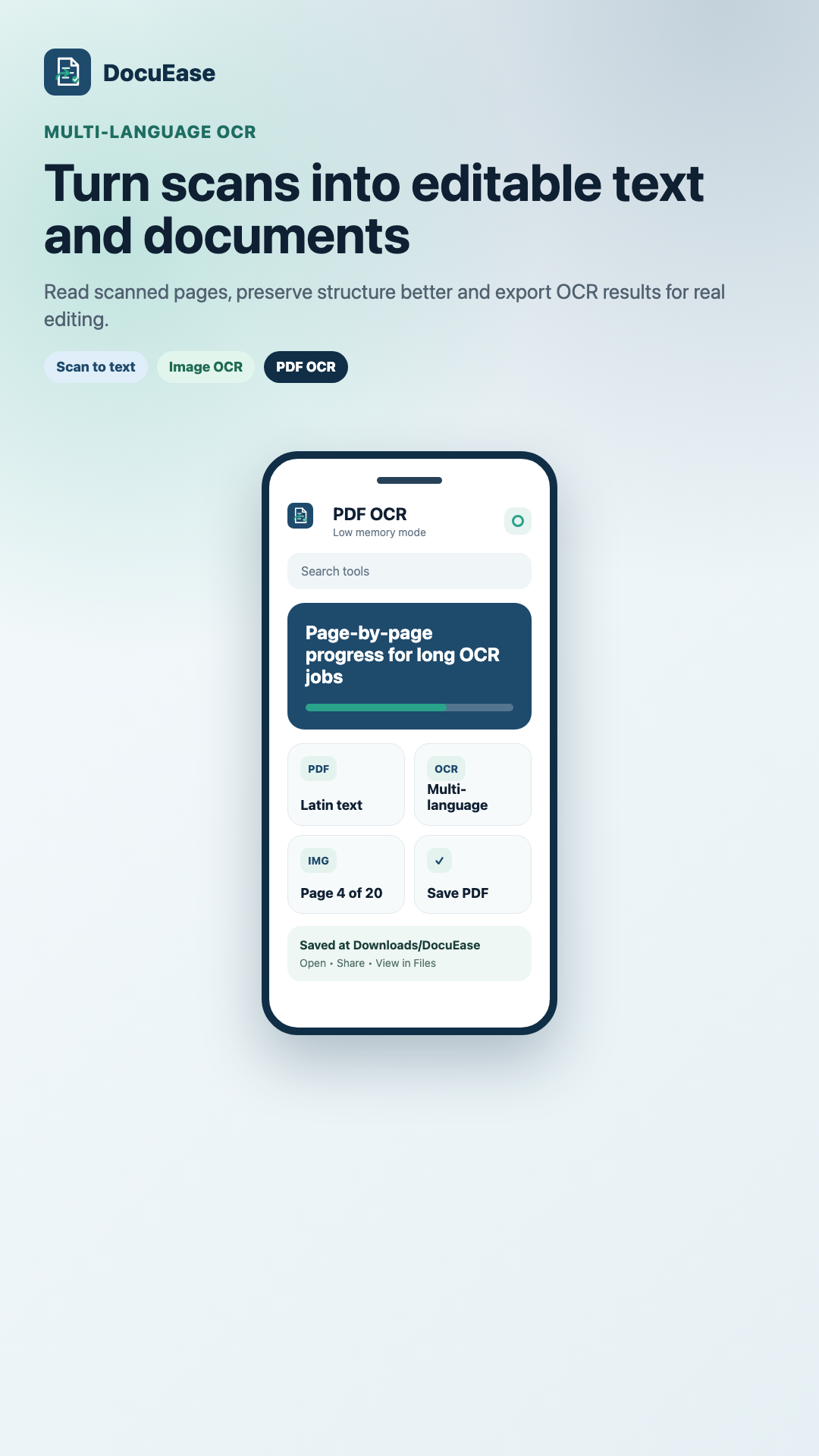
Handle scanned PDFs and images with progress visibility for longer multi-page jobs.
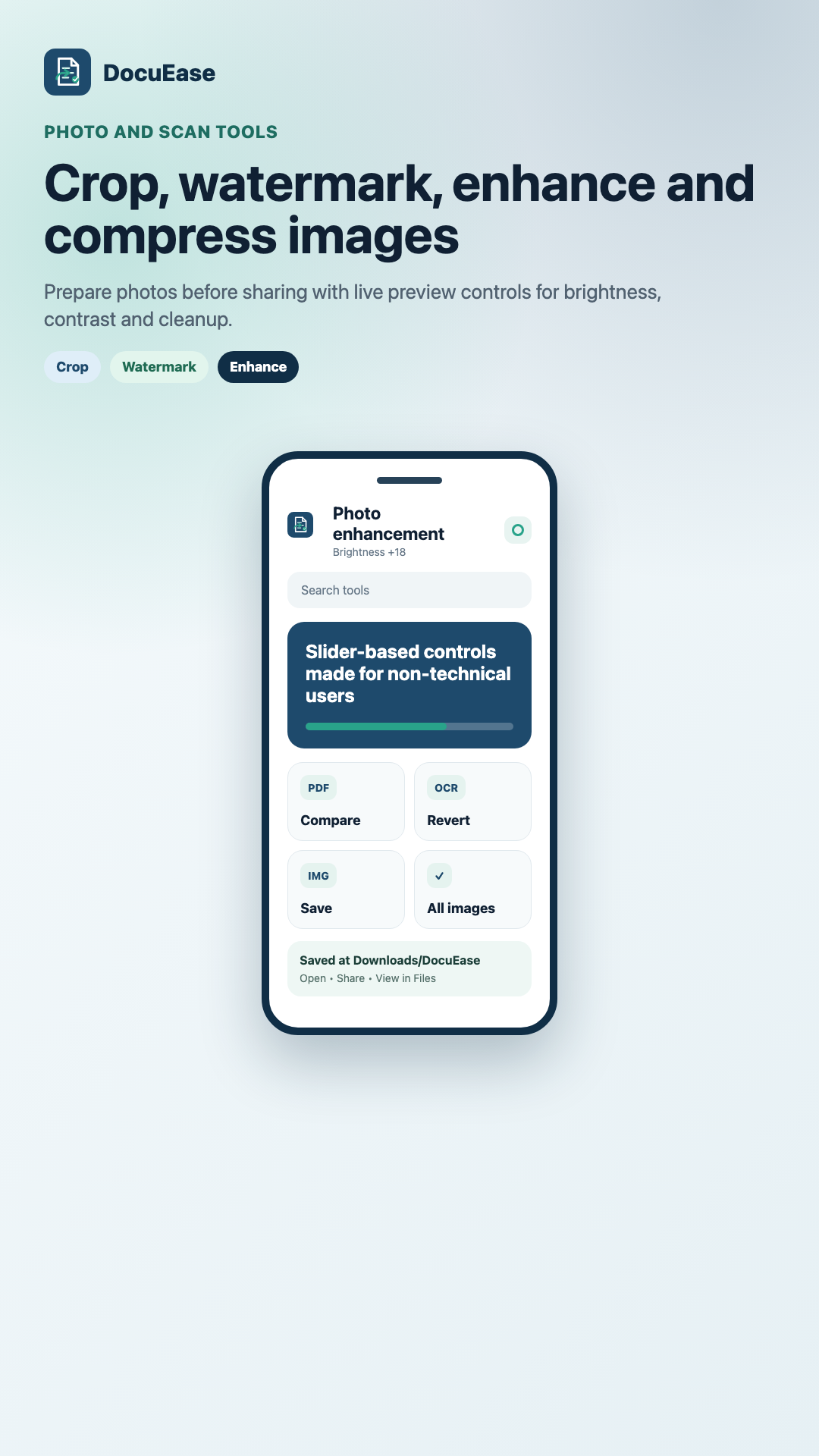
Brightness, contrast, cropping, watermarking and scan-style cleanup with simple controls.
DocuEase is designed for students, office workers, shop owners, teachers, freelancers and anyone who deals with documents on a phone or tablet. The app focuses on speed, clarity and control rather than complicated setup.